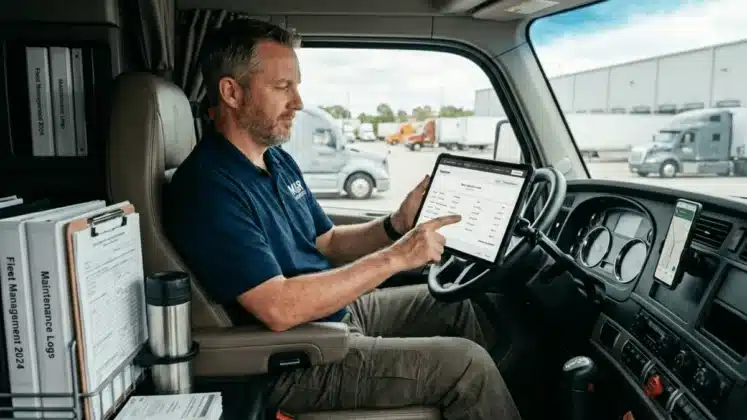
You can do great work and still get treated like an amateur operation.
Customers might see you as “just a guy with a van.” They question your pricing, and maybe even delay payment.
The problem isn’t about your skill. You’re talented. You’ve made it on your own. It’s about how your business shows up in the world. It’s about how clients perceive you.
In this guide, we’ll explain exactly how to run a professional mobile business, no office or staff required. You’ll learn how to present your work in a way that earns credibility and wins trust. We’ll teach you how to build processes that look undeniably professional. The result? Your customers and prospects will take you seriously. They’ll see your business for what it is, a legitimate operation.
Overcoming the “Solo Operator” Stigma
Clients can judge your business because of how it looks rather than the actual quality of the work you do. The good news is you can overcome the solo operator stigma and earn trust. When your process is organized and consistent, you look like a big company and are more likely to win over clients.
There’s a bit of stigma around being a solo operator. People think you’re an amateur, but you’re not. You run a professional mobile business.
But when your paperwork is rushed or disorganized, you send the wrong signal. Customers start questioning your capability.
This is not a reflection of your skill. It doesn’t mean your work lacks value, either. In reality, it’s your presentation that fails you. And that’s an easy fix. When you get it right, professionalism becomes a dependable tool.
What, exactly, is the recipe for successful professionalism? It’s as simple as meeting your clients’ expectations:
Customers look for things like:
- An accurate estimate before work starts
- An itemized, branded invoice that reflects the agreed-upon price
- Quick delivery of documents after the job
- Modern payment options
None of these requires a desk or a team. You can handle all of them from your phone with the right tools.
And when you meet these expectations, you start to look like a big company. You become an authority in your field of expertise.
RELATED ARTICLE — Credit Card Processing Fees: Everything You Need To Know
The Power of the On-Site Estimate
When you send an estimate on-site, you demonstrate field service professionalism and control the customer experience. Fast estimates reduce delays, earn trust, and lead to quicker approvals, too. Waiting to send it later gives clients time to shop around and question your pricing.
Jobs are won or lost in the short window after you meet the client. They’re excited to see your work come to life. There’s momentum.
If you say, “I’ll send the estimate over in the next week,” all that build-up fizzles out and fades away. You give the client time to compare options and question your pricing.
A fast estimate, in contrast, increases the likelihood the client will choose you. Why? Because they’re impatient to get the work done.
When you play into their sense of urgency and meet them where they’re at, you give them a better customer experience, too.
This is critical; 76% of people will switch businesses if they don’t enjoy their experience.
How to Send the Estimate Before You Leave the Job Site
You’re walking the job site and chatting about the work your client needs. You ask a couple of questions and confirm the scope.
Right now is the single best time to put the estimate together and send it.
Your client’s mindset is in the right place. They’re ready to pull the trigger, and they appreciate seeing your pricing process in real time.
It’s easy as can be for you, too, when you use a tool like Invoice Simple:
- Enter the service details while standing with the client.
- Apply your pricing based on your costs and markup vs. margin.
- Show the total on your screen.
- Send the estimate before you leave the driveway, complete with approval instructions.
You look like a pro, and you reduce any questions or back-and-forth later.
Estimate Timing, Job Win Rate, and Payment Speed
When you send estimates on-site, you control the pace of the job. You also strengthen your service professionalism.
Let’s see how this plays out.
| Scenario | Client Reaction | Time to Decision | Risk of Losing Job | Cash Flow Impact |
| Send estimate later | Client compares other quotes and delays response | Slow | High | Slower payments |
| Send estimate on-site | Client is confident and ready to move forward | Fast | Low | Faster payments |
Replacing the Clipboard with a Digital Workspace
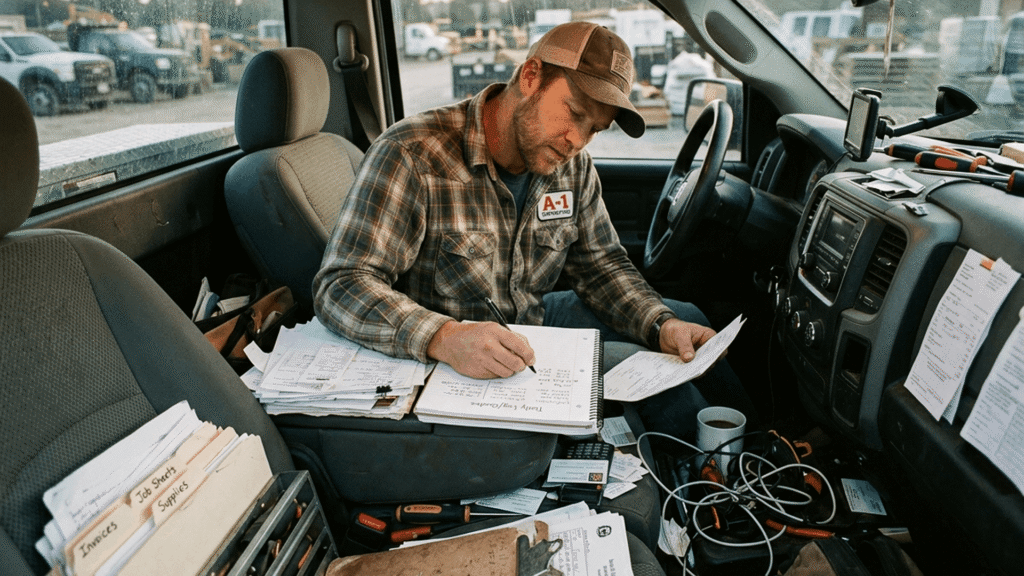
Paper notes and carbon copies slow you down and make your business look old-fashioned. A digital workspace makes sure all of your data is easy to access and ready to send. You get organized without an office, and clients experience a truly professional process from start to finish.
Clipboards have their place. At least, they did at some point.
But in today’s digital-first world, they’re outdated. They don’t look professional, either.
Picture it now: a bent, half-crumpled piece of paper. You’re scribbling down notes as best you can. Will you be able to read it later? Who knows.
If you can’t decipher your handwriting, you’ll make mistakes. The client will think: I knew right away they weren’t up for the job. Time to take my business elsewhere.
You lost the work. Or maybe you won it, but details were missed somewhere along the way. This causes misunderstandings and delays.
A digital workspace solves these problems.
Instead of juggling paper, everything lives in one place on your phone. You create, store, and send documents with a couple of taps. They all look polished, too, complete with your branding.
Your clients notice the difference. You make a five-star first impression, and that sets the job off on the right foot.
What Changes When You Go Digital
A mobile tool like Invoice Simple replaces the need for physical paperwork. It also removes many small admin steps that slow you down.
Here’s what improves:
- You create estimates and invoices in minutes, not hours. No repeated typing, either.
- Your documents are formatted well and consistent on every job.
- You store all your records in one place.
- You can track payments without checking multiple apps or physical notes.
You also gain better visibility into costs.
For example, payment processing fees are easier to track. When they’re recorded automatically, your totals are accurate and you can make sure your pricing is profitable.
RELATED ARTICLE — What Is Budgeting and Forecasting? Simplifying Business Planning
Building Trust Through Instant Communication
Quick communication is a huge trust signal. It shows you run a serious business. When clients receive instant estimates, payment confirmations, and signed documents, they feel confident working with you. These touchpoints improve the customer experience, too, and prevent delays, confusion, and missed payments.
Communication is at the heart of every relationship, including those you have with your clients.
Every word you say or send makes an impression. So, too, does how quickly you get back to their messages or calls.
Fast responses show respect and position you as a professional operator. Slow replies put your legitimacy into question.
As the U.S. Chamber explains: “How easily customers can contact your business and how quickly they receive a response are key factors in their decision to be loyal to you or move on to another brand.”
This applies to every stage of the job. Let’s take estimating and invoicing as an example:
- You send instant estimates right after discussing the job.
- Clients review and approve using digital signatures.
- You send invoices immediately after the job is done.
- Clients receive a “paid” confirmation as soon as payment clears.
That’s just the tip of the iceberg of mobile invoicing benefits, too.
If you want to experience them yourself, give Invoice Simple a try. Send estimates, track payments, invoice, and confirm transactions all in one super simple mobile app.
Standardizing Your Interaction from Start to Finish
A consistent business is a trustworthy one. When you follow the same mobile workflow on each job and for every client, you become more credible. You lower your overhead burden, too, and make your income more predictable.
You shouldn’t be reinventing the wheel every time you go for and finish a job.
It’s a waste of your time. It leads to mistakes, too.
In contrast, an intentional, repeatable workflow removes any guesswork and makes sure every last detail is attended to.
Here’s a standardized, step-by-step process you could follow.
1. Arrive and Confirm the Job
Make a great first impression. Greet the client and confirm the work before you begin:
- Review the job scope together.
- Confirm the price or expected range.
- Answer any final questions.
This step is all about avoiding confusion later.
2. Create and Send the Estimate
When the scope is locked in, send the estimate on-site.
Use your phone to build and send it while you’re with the client. To do this:
- Enter services and pricing on the spot.
- Show the total.
- Send it to the client via text or email to get their approval.
- Keep a digital record for reference.
3. Perform the Work
Now, you complete the job as agreed.
You do what you do best. You’ve already handled half the admin for the job, too, so you can be 100% present and focused on the work.
4. Send the Invoice Immediately After Completion
As soon as the job ends, create and send your invoice:
- Make sure the invoice aligns with the approved estimate, plus any add-ons or scope changes.
- Include all completed services.
- Itemize labor and materials.
- Send it before leaving the site.
By using a mobile app, you can quickly plug in your common services and saved line items to cut down on the time it takes. This also makes sure you’re paid fairly for your work, as nothing slips through the cracks.
5. Collect Payment Before You Leave
When possible, collect payment while you’re still on-site. Offer modern payment options like online and credit card payments, too, to reduce payment friction.
You’re now done!
This process reduces your overhead burden, which includes the time and cost of chasing payments later. It also lowers your labor burden, since you’ll work fewer unpaid, late-night admin hours.
Your customer is impressed, too. You look like a big company, but you deliver the personalized care and attention only a small business can. It’s the best of both worlds.
RELATED ARTICLE — 8 Reasons You Need a Small Business Expense Tracker
FAQs
Let’s answer some of the most common questions solo operators have about improving their professionalism.
Do I really need a professional logo on my invoices to be taken seriously?
When your invoices are structured, branded, and easy to read, your pricing looks more legitimate. So, go ahead and add a simple logo to your paperwork.