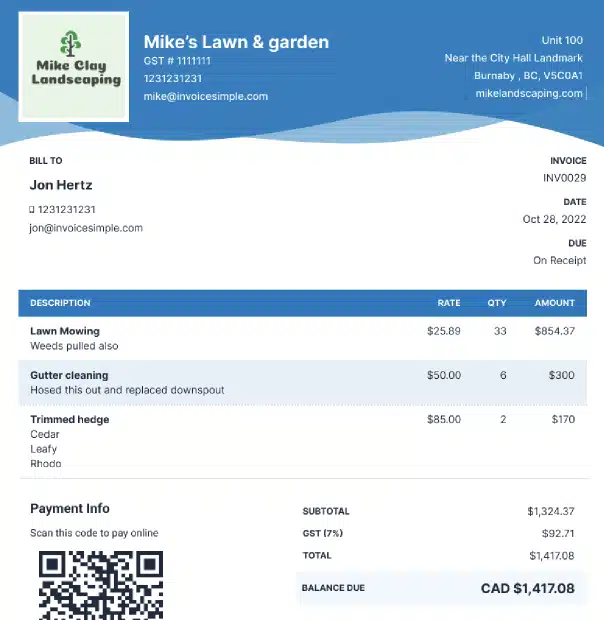


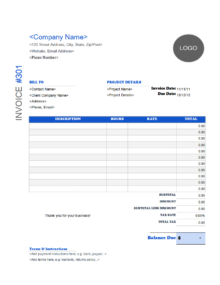


Free graphic design invoice templates. Feel free to download, modify and, use any you like. For more templates or file formats, refer to our main invoice template page. Before we dive in, check out our online invoice generator for an easy way to create an invoice for your graphic design projects that will look fantastic.

Graphic Design Invoice Templates
You need an easy way to let your clients know how much to pay for your services. Use our graphic design invoice templates to let clients know exactly how much the project costs and how much they’ll need to pay.

Downloadable Free Graphic Design Invoice Templates

Create your first invoice free with our Online Invoice Generator.

How can I get paid?
You’ve got your graphic design invoice ready to go, but what about actually getting paid? If you’re looking for the fastest, most convenient way for your customers to pay you, you’ll need to know how to accept payments online.
Step 1: Choose a Payment Processor To start, you’ll need to choose a payment processor that works for your unique graphic design business. Consider whether it’s an all-in-one solution or if you’ll also need a merchant account and/or payment gateway. Factor in the fees, too.
Step 2: Set up Payment Options Once you’ve got your system set up, it’s time to think about how you’ll offer your customers user-friendly ways to pay you online. You could include a secure checkout form on your website, or you could plan to send invoices or payment links via email or text.
Step 3: Offer Multiple Payment Methods Figure out which kinds of payments you want to accept. For example, Invoice Simple Payments makes it easy for customers to pay you online via credit or debit card, ACH bank transfer (US only), PayPal, or Venmo (US only). The more options you offer, the more convenient it is for your customers, and the more likely you are to get paid on time!